

Annotations: Or How to Make the Most Out of Your Video Debriefing

In this blog, we unveil the transformative power of annotations in video-supported simulations. Learn how this effective tool can help structure, analyze, and optimize your simulation training, while also facilitating the video debriefing process and enhancing the effectiveness of your training sessions.
Video-supported simulation has revolutionized the way instructors and learners achieve their learning goals. Recording training events in high-quality video and audio formats allows them to review and analyze these events from various perspectives during video debriefing sessions. This proven and particularly visual method promotes (self-)reflection and thus long-term learning success.

To effectively conduct video debriefing and maintain the attention of debriefing participants, the video debriefing should primarily focus on relevant, discussable training events – that is, negative, critical, but also positive actions of the participants. It is crucial to be able to quickly and easily locate the relevant video passages for this purpose. And that’s where annotations come into play.

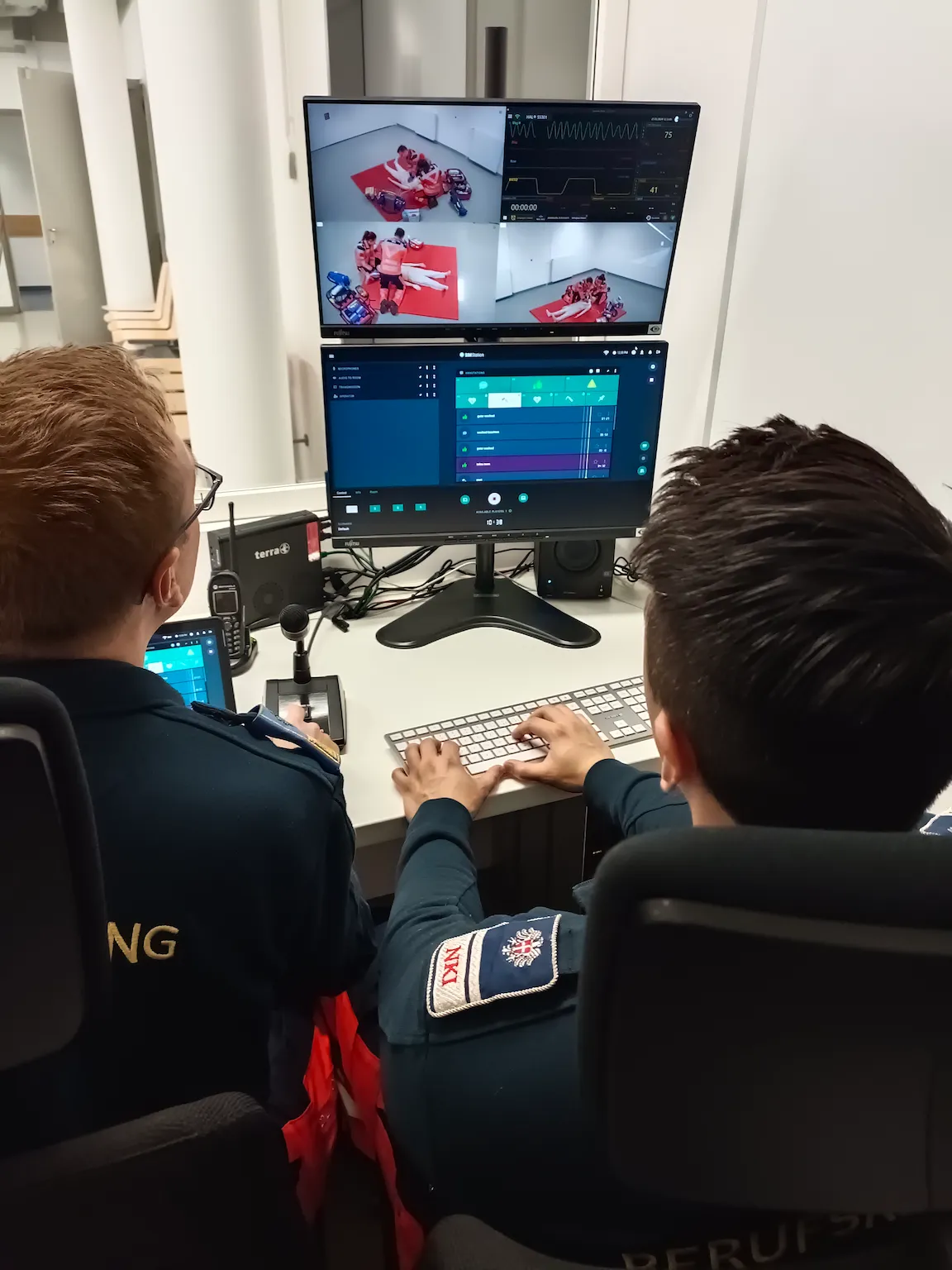
Emergency training personnel at workstation monitoring medical simulation feeds and vital signs on dual screens.
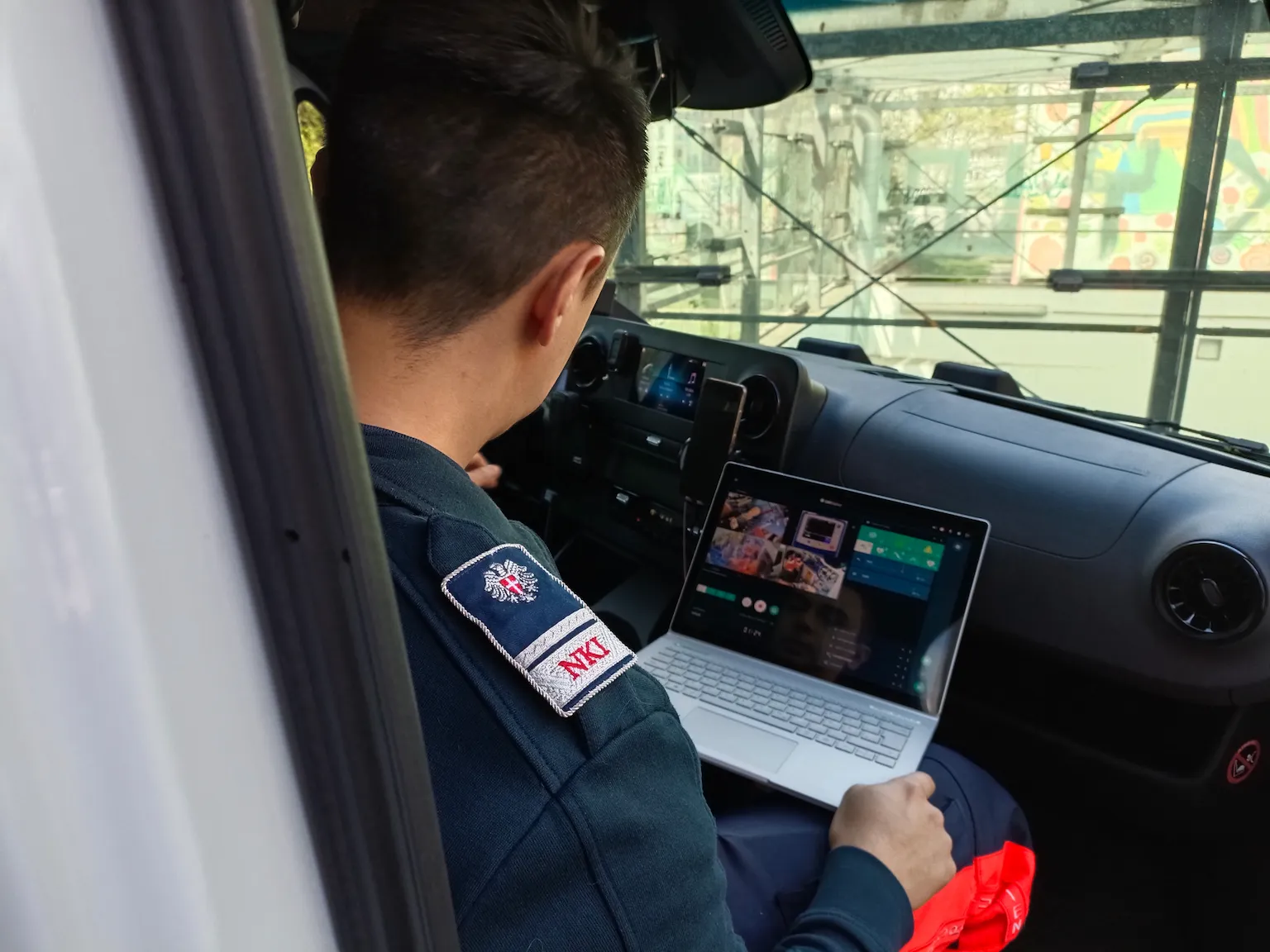
Emergency responder in uniform working on laptop inside service vehicle with monitoring dashboard interface.

What Are Annotations?

Every serious simulation requires an outside perspective. While simulation participants go through the scenario in the simulator, they are observed by external instructors. One of the most essential tasks of these instructors is to analyze the events from their meta-position. They do this by identifying, marking, and commenting on noteworthy events in the simulator. This activity is called annotation work.

In video-supported simulations, annotations are made directly in the recording software. Through this direct integration, the annotations are automatically assigned to the corresponding time in the video material. This enables a precise debriefing and detailed analysis of the simulated scenario, as instructors can refer their observations and comments directly to the relevant events in the video.

SIMStation Software: Annotations During Recording

The SIMStation Software ensures seamless integration of annotations into the recording process. To make the important annotation work as precise, simple, and efficient as possible, the SIMStation Software offers intuitive tools and a clear user interface. The user interface can be customized by the users themselves to their individual requirements.

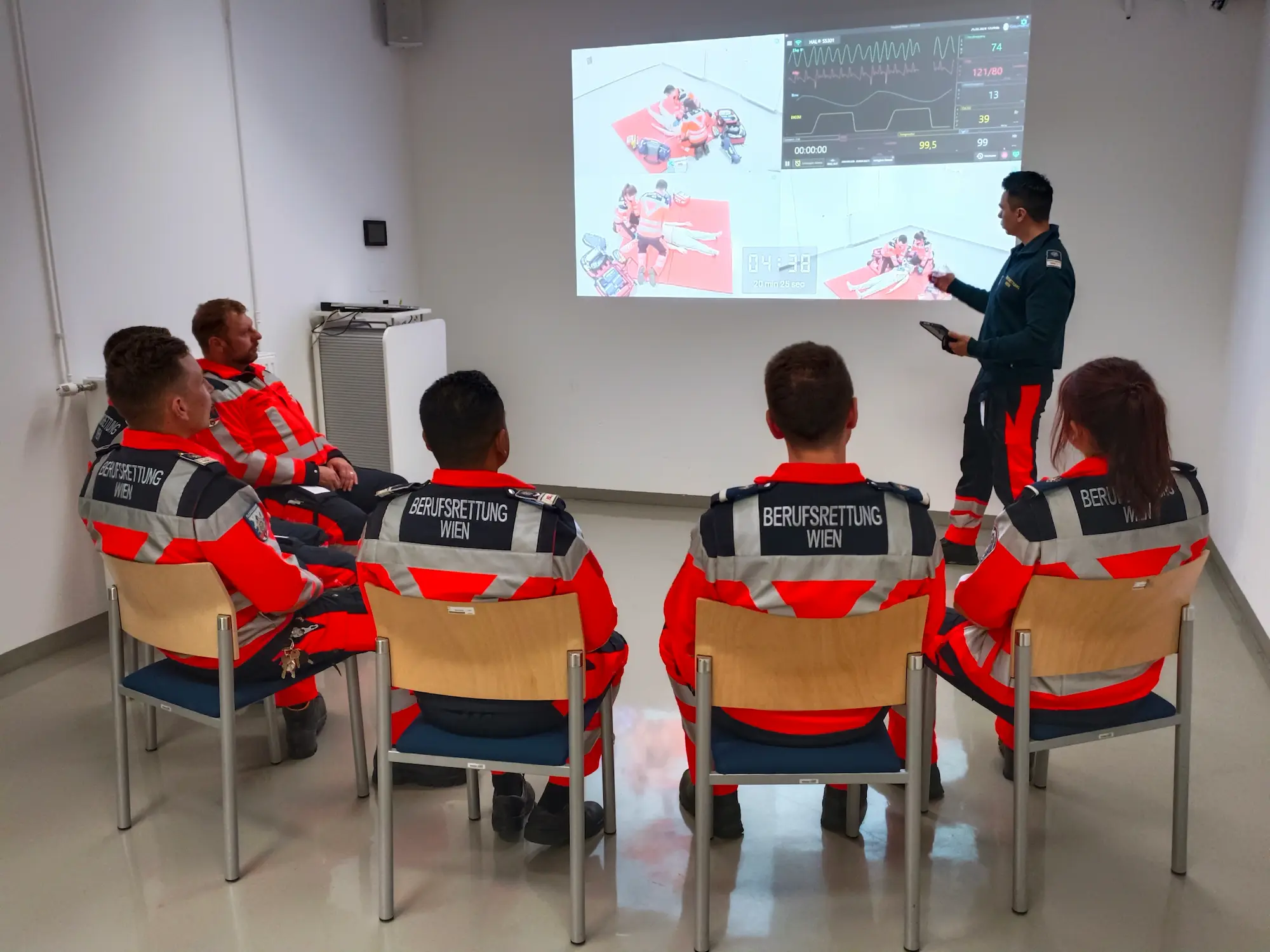
Professional rescue workers from Vienna attending medical simulation briefing with projected vital signs and scenario data.
icon
Annotation Management

An intuitive tool panel provides a central location for easily creating, editing, and organizing all your annotations during the recording process, ensuring streamlined workflow.

team icon
Improve Your Teamwork

In SIMStation Software, all individuals with a control device can simultaneously add annotations during training. Annotations from each user are color-coded to enhance clarity.

icons set
Customizable Icon Sets

Various self-explanatory icons represent events that you can add as annotations with a single click. Customize your set in advance to ensure you have the right icons at hand for each scenario.

icon
Annotation Favorites

Mark your favorite annotations during recording for highlighting important events. This feature enables you to locate these annotations even quicker and easier during the debriefing.

SIMStation Software: Annotations During Debriefing

The annotations made during the recording form the backbone of the debriefings and provide a detailed breakdown of the key moments, enabling targeted feedback. Let’s explore some of the key advantages that annotations with the SIMStation Software bring to the debriefing process.

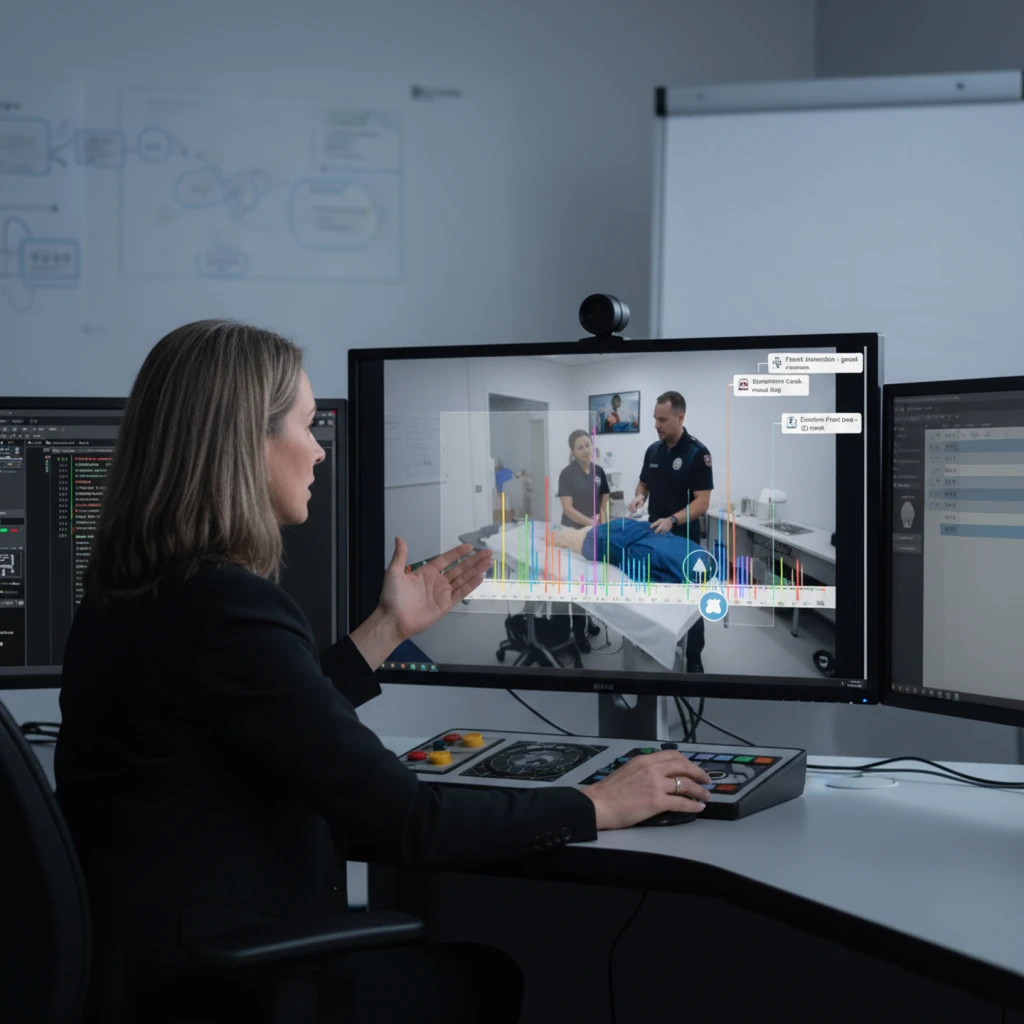
Healthcare professional at workstation analyzing clinical video feed with real-time data visualization and monitoring tools.
Enhanced Accessibility

Find all your training annotations in chronological order within the debriefing app, and optionally filter them by users or your marked favorites.

Only Tablet Visibility

Annotations are exclusively visible on the moderator's SIMStation Remote Tablet, effectively focusing participants' attention on the video streams without distractions.

Bookmark Navigation

Utilize annotations as navigational aids, allowing quick jumps to relevant points in the video material, enhancing efficiency during debriefing sessions.

Maximized Understanding

Benefit from a 15-second video lead time preceding each annotated event, facilitating a thorough understanding and analysis of the highlighted moments in the simulation.

Enhance Your Training with Intelligent Annotation Tools

Highlight and revisit key training moments instantly for deeper learning
Improve the quality and structure of both simulations and video debriefings
Boost training effectiveness with easy-to-use annotation features